Explore Midgardสำรวจมิดการ์ด
Rediscover the Ragnarok universe in an open worldกลับมาสัมผัสจักรวาล Ragnarok ในรูปแบบโลกเปิด
Open-world MMORPGMMORPG โลกเปิด
Explore an open world, free to play on Windows PC through Steamออกสำรวจโลกเปิด เล่นฟรีบน Windows PC ผ่าน Steam
Play free on Steamเล่นฟรีบน SteamSteam installation requires a Windows PCติดตั้งผ่าน Steam บน Windows PC
Ragnarok: The New World
Features described by the publisher on Steamฟีเจอร์ตามข้อมูลจากผู้เผยแพร่บน Steam
Rediscover the Ragnarok universe in an open worldกลับมาสัมผัสจักรวาล Ragnarok ในรูปแบบโลกเปิด
Try the new Druid classลองเล่นอาชีพใหม่ ดรูอิด
Personalize your character with outfitsปรับลุคตัวละครด้วยชุดแต่งกาย
Explore with MVP mountsออกสำรวจโลกไปกับพาหนะ MVP
Features described by the publisher on Steamฟีเจอร์ตามข้อมูลจากผู้เผยแพร่บน Steam
Earn rewards through offline auto-huntingรับรางวัลจากระบบล่าอัตโนมัติขณะออฟไลน์
Reset your stats and skills without a limitรีเซ็ตค่าสถานะและสกิลได้ไม่จำกัด
Refine equipment without destroying it up to +15ตีบวกอุปกรณ์ได้ถึง +15 โดยอุปกรณ์ไม่ถูกทำลาย
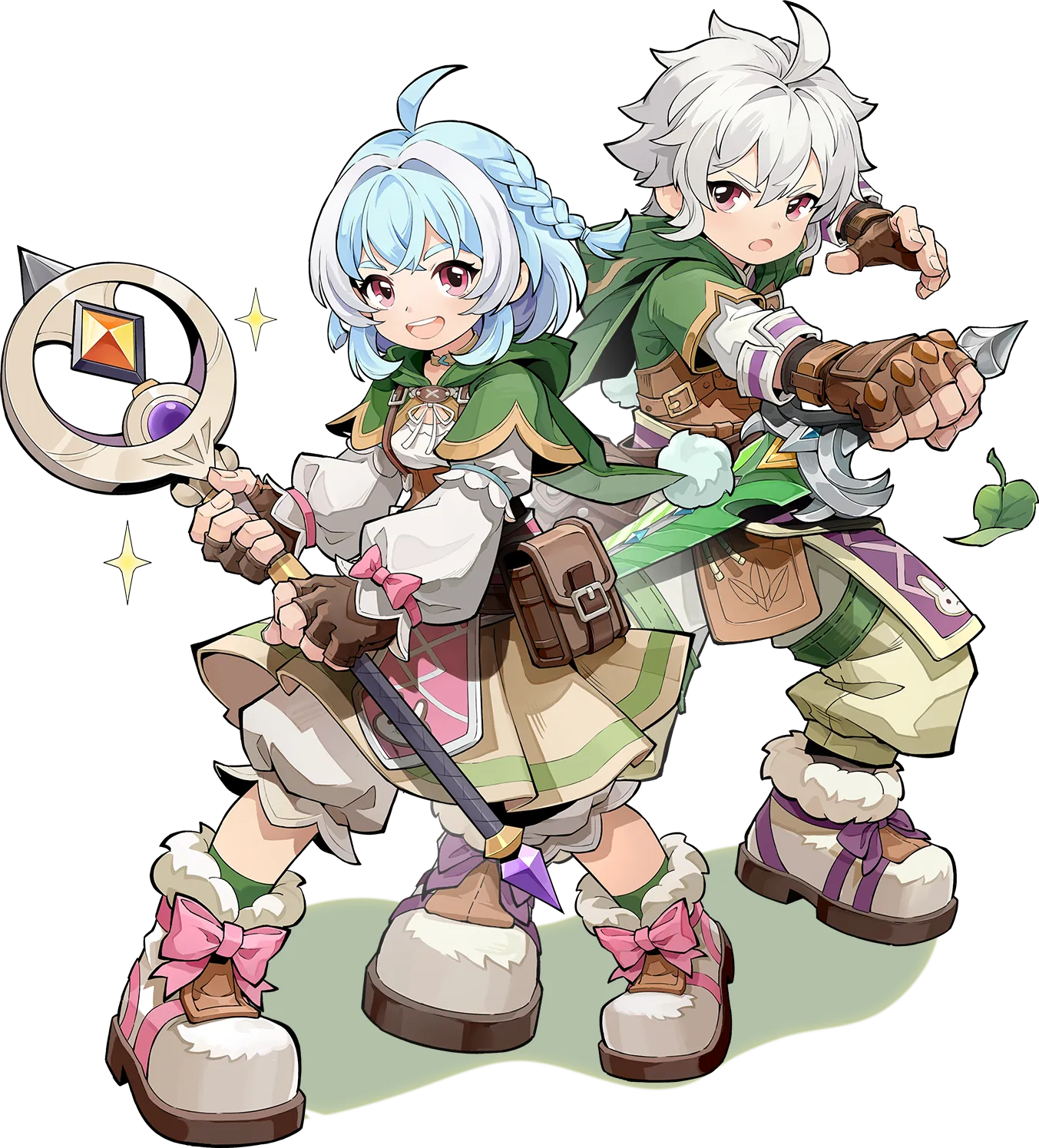
Switch between Werewolf, Wereraptor, and Human Arcanist formsสลับได้ระหว่างร่างมนุษย์หมาป่า ร่างแรปเตอร์ และร่างมนุษย์ผู้ใช้เวท
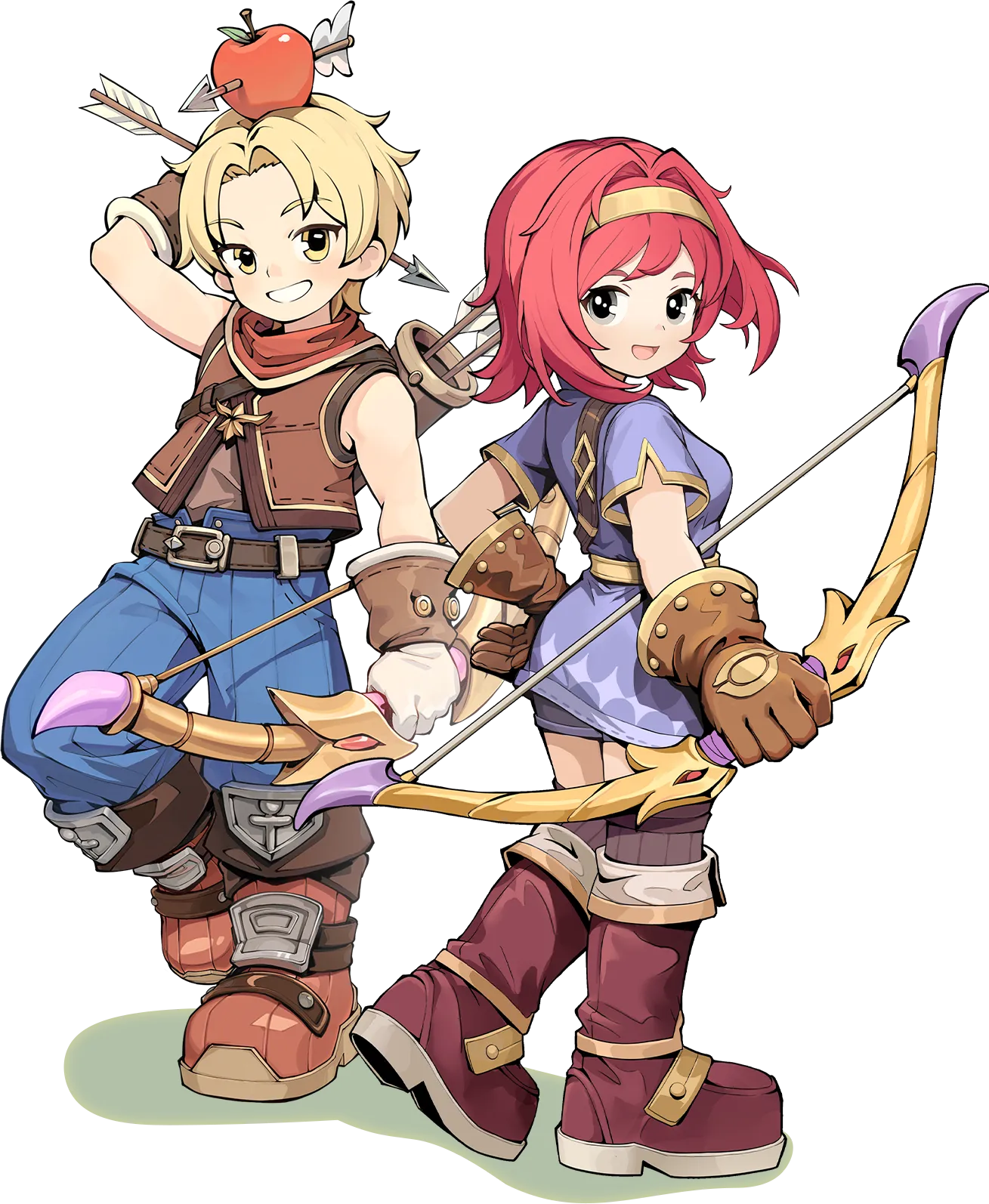
Pick off enemies from a distance with a bowใช้ธนูโจมตีศัตรูจากระยะไกล
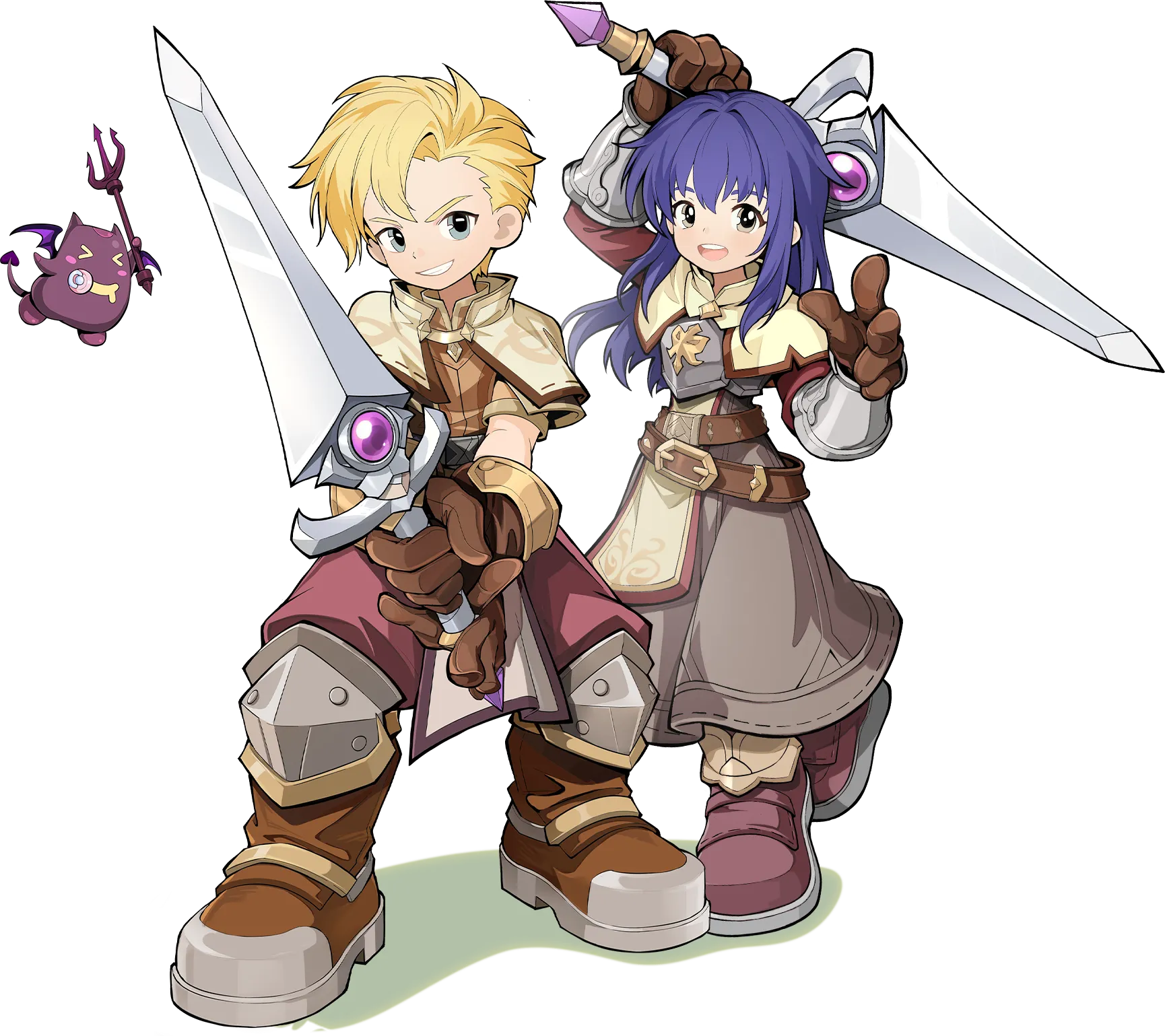
Hold the front line and fight enemies up closeยืนแนวหน้าและต่อสู้กับศัตรูในระยะประชิด

Cast elemental spells that can hit groups of enemiesใช้เวทมนตร์ธาตุโจมตีศัตรูหลายตัวพร้อมกัน
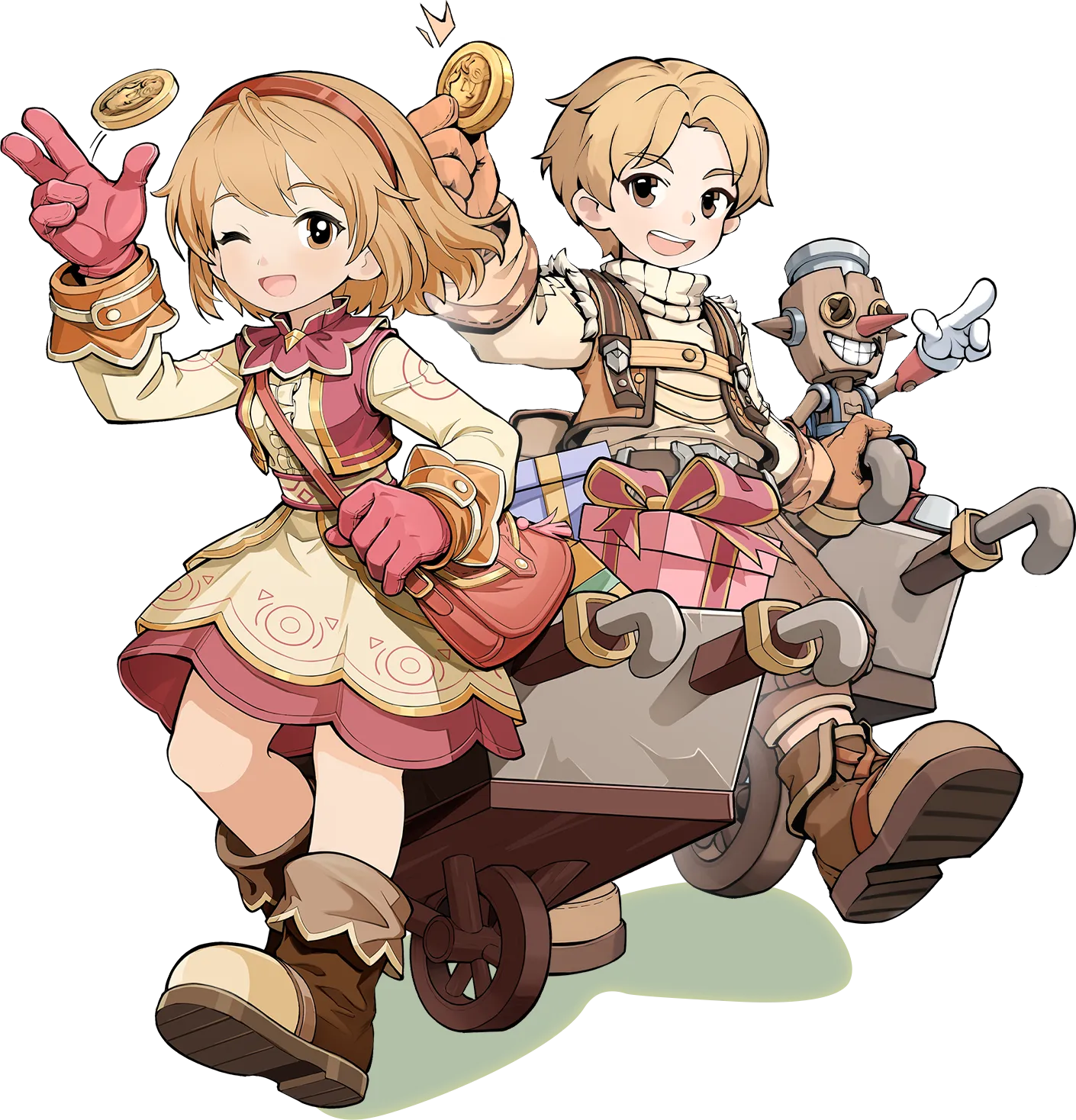
Trade goods and use cart skills in close combatซื้อขายไอเทมและใช้สกิลรถเข็นในการต่อสู้ระยะประชิด
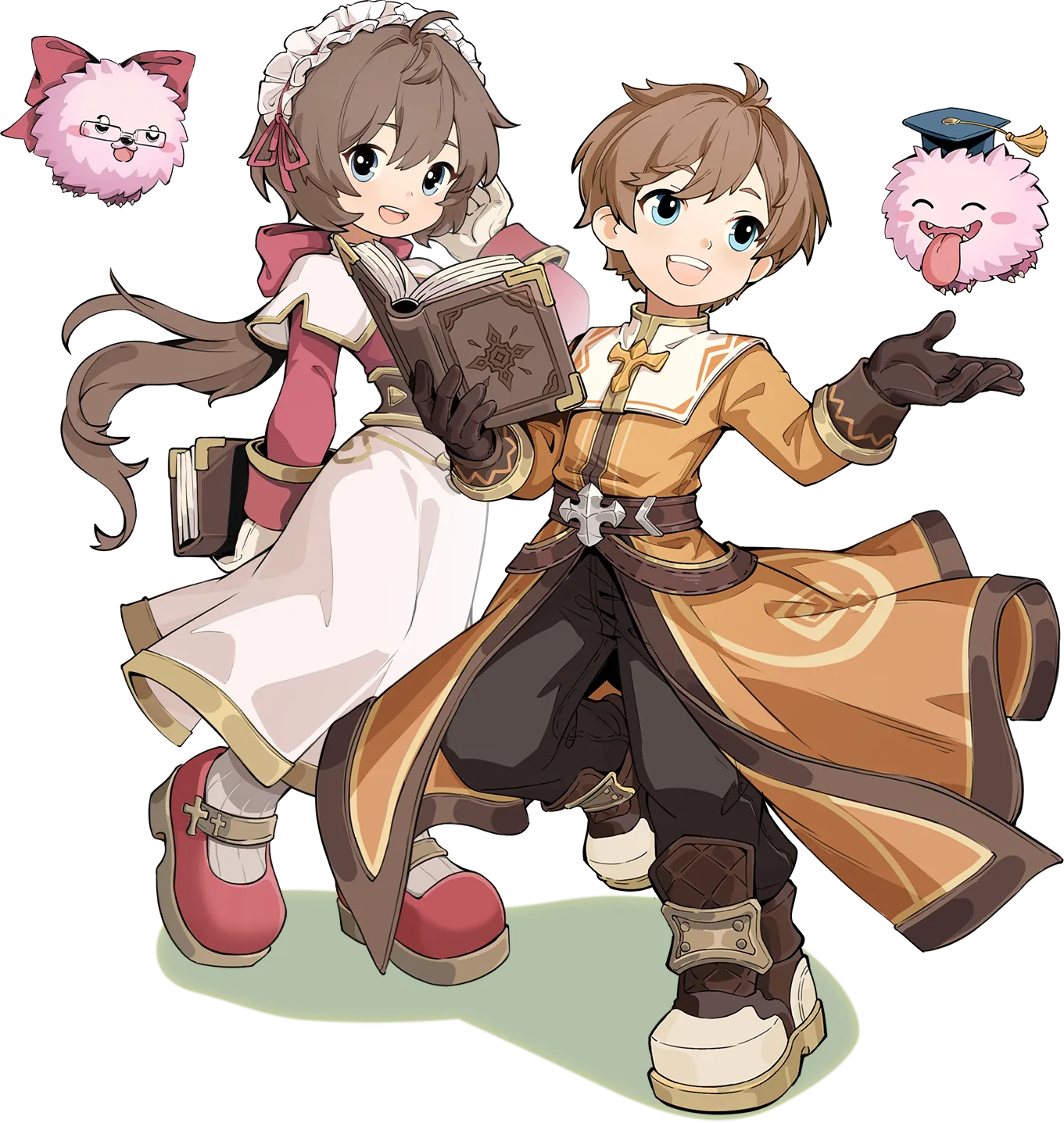
Heal allies and support your party in battleรักษาเพื่อนร่วมทีมและคอยสนับสนุนปาร์ตี้ระหว่างการต่อสู้
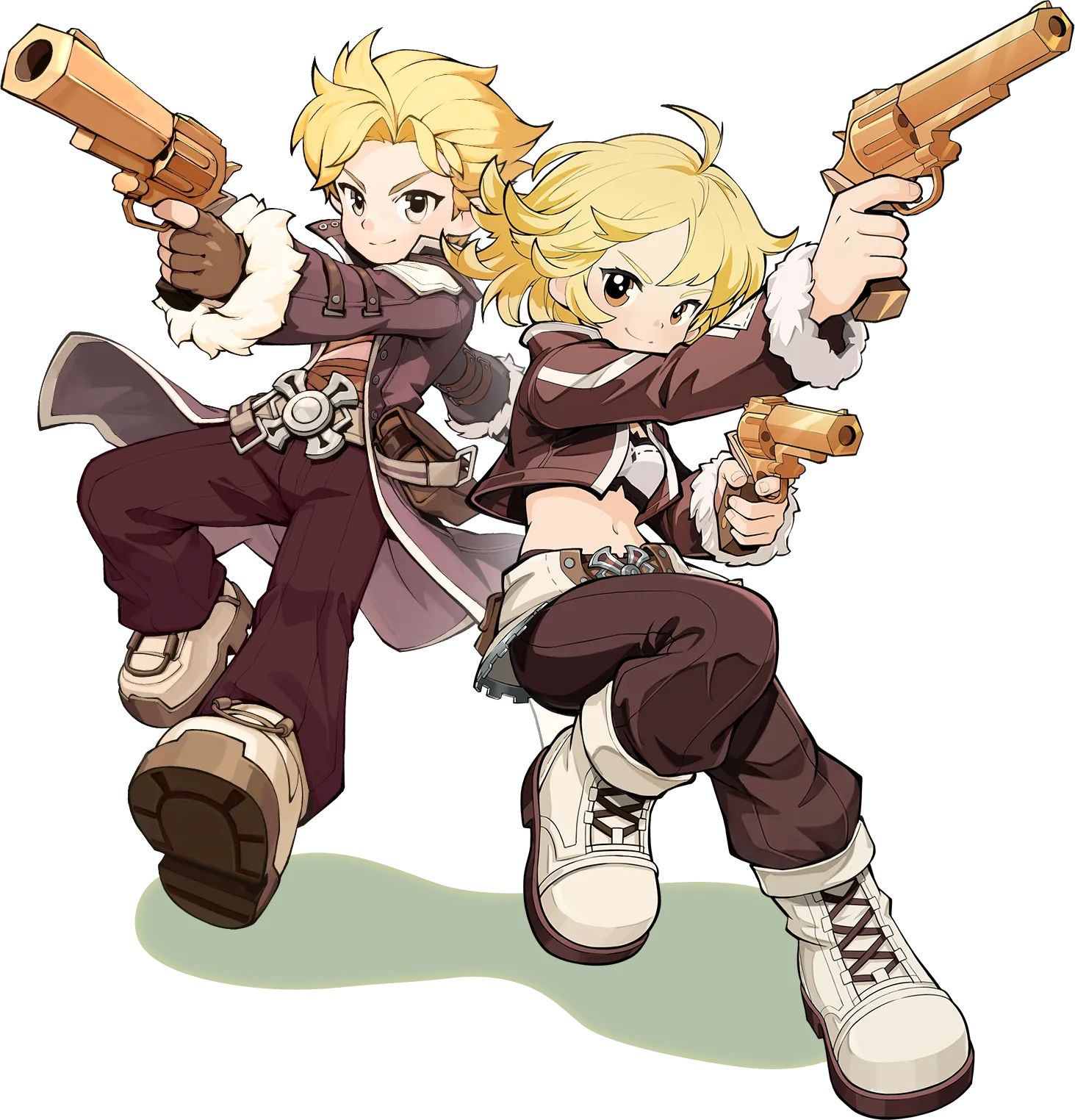
Fight at range with pistols or shotgunsต่อสู้จากระยะไกลด้วยปืนพกหรือปืนลูกซอง
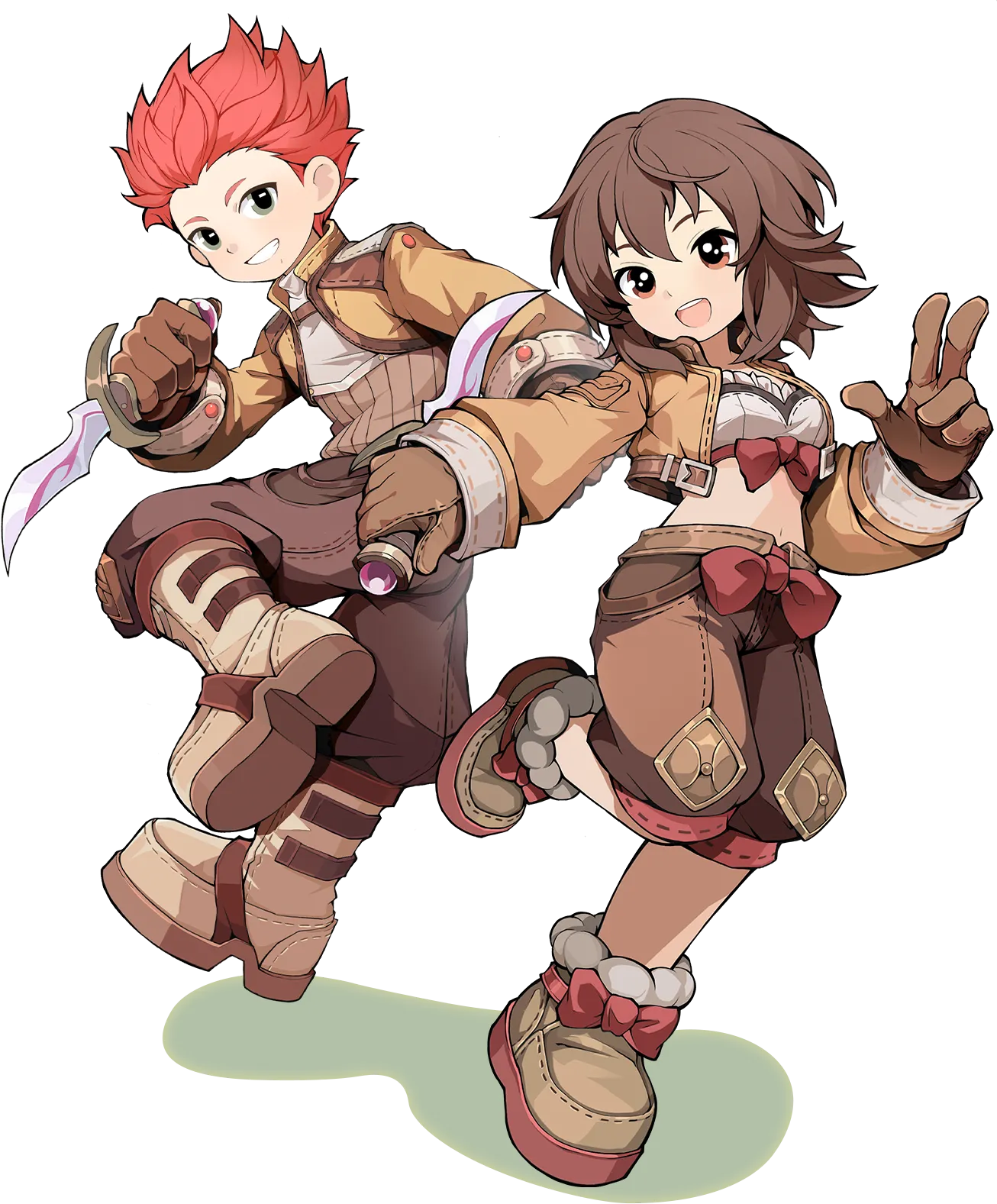
Dodge attacks and strike quickly at close rangeหลบการโจมตีและจู่โจมอย่างรวดเร็วในระยะประชิด
PC requirements on Steam · 12 GB RAM minimum, 16 GB recommended, 30 GB available storage and broadband internetสเปก PC ตามข้อมูลบน Steam · RAM ขั้นต่ำ 12 GB แนะนำ 16 GB พื้นที่ว่าง 30 GB และอินเทอร์เน็ตบรอดแบนด์
Play free on Steamเล่นฟรีบน SteamYes. It offers in-game purchases, some with randomized itemsเล่นฟรี และมีการซื้อไอเทมในเกม โดยบางรายการเป็นแบบสุ่ม
Yes. Create an account or sign in through the game's launcherต้องมีบัญชี Gravity โดยสร้างบัญชีหรือเข้าสู่ระบบผ่านตัวเปิดเกม
Steam lists Thai interface, full audio and subtitles. Check Steam for current availability. Server assignment for Thailand is unconfirmedSteam ระบุว่ารองรับเมนู เสียงพากย์ และคำบรรยายภาษาไทย ตรวจสอบการเปิดให้บริการบน Steam ส่วนเซิร์ฟเวอร์สำหรับประเทศไทยยังไม่ได้รับการยืนยัน
See the Steam listing for current reviews and full requirementsดูรีวิวล่าสุดและสเปกทั้งหมดได้ที่ หน้าของเกมบน Steam
Start your adventure on Windows PC through Steamเริ่มผจญภัยบน Windows PC ผ่าน Steam
Play free on Steamเล่นฟรีบน Steam